


Create Better Jacket Patch Stitch File Creation Results
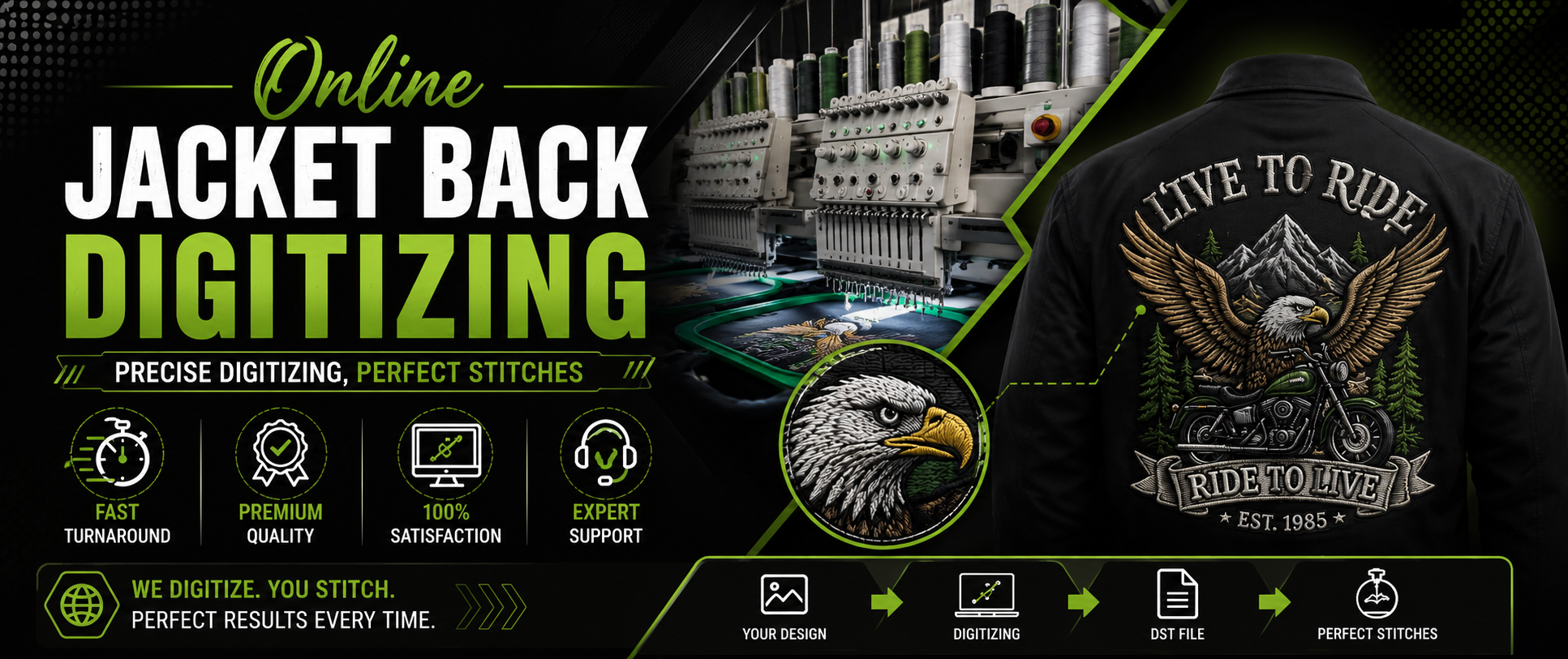
Master Jacket Patch Stitch File Creation With Smart Planning
Creating a clean embroidery design starts long before the machine begins stitching. A well-prepared file controls stitch direction, density, underlay, thread changes, and other important details. When these elements are planned correctly, the final jacket patch looks sharper, stronger, and more professional.
Jacket patches often contain bold lettering, detailed logos, symbols, borders, and different shapes. Each part needs the right embroidery settings to produce a balanced result. Poor digitizing can lead to thread breaks, gaps, puckering, uneven edges, or designs that do not match the original artwork.
A professional approach to Jacket Patch Stitch File Creation helps turn artwork into a machine-ready design that performs properly on different patch materials. The goal is not simply to convert an image into stitches. The real goal is to build a file that produces reliable embroidery.
Understand The Patch Design First
Before creating stitches, the artwork should be studied carefully. Designers need to identify the main shapes, small details, lettering, borders, and areas that require special attention.
Simple artwork may need fewer stitch types, while detailed logos require more careful planning. Understanding the artwork first makes it easier to decide which areas should use satin stitches, fill stitches, or other embroidery techniques.
The size of the patch also matters. A design that looks excellent on a computer screen may not work well when reduced to a small patch. Tiny letters can become difficult to read, while narrow lines may disappear after stitching.
Good planning prevents these problems before production begins.
Choose Stitch Types Carefully
Different parts of a jacket patch need different stitch structures. Satin stitches are commonly useful for borders, outlines, and lettering because they can create smooth and bold surfaces.
Fill stitches work well for larger areas. Their direction and density should be selected according to the shape and size of the section. When fill stitches are poorly planned, the patch can look uneven or become too heavy.
Running stitches may be useful for fine details, outlines, or small design elements. However, they should not be used where a stronger stitch structure is necessary.
During Jacket Patch Stitch File Creation, choosing the correct stitch type helps improve appearance while also supporting better machine performance.
Set The Right Stitch Density
Stitch density has a major effect on the finished patch. Too many stitches can make the design heavy and stiff. Excessive density can also increase thread breaks and place unnecessary stress on the fabric.
Too little density can create weak coverage. The background material may become visible, making the patch look unfinished.
The right balance depends on the design, material, thread, and patch size. Professional digitizers consider these factors instead of applying the same density settings to every project.
Testing is also important. A design may need small adjustments after a sample is stitched. Making these changes before bulk production can save time and reduce wasted materials.
Improve Lettering And Small Details
Text is often one of the most important parts of a jacket patch. Names, team titles, business names, slogans, and numbers must remain readable after stitching.
Small lettering requires careful attention to font selection, stitch width, spacing, and size. Very thin fonts may not produce strong embroidery results. Simple and bold lettering often performs better on patches.
Spacing should also be checked. Letters that are too close together can merge during embroidery, while excessive spacing can make the design look disconnected.
When Jacket Patch Stitch File Creation includes detailed lettering, the digitizer should consider how the text will actually appear after stitching rather than relying only on the digital preview.
Build Strong Patch Borders
A strong border gives a jacket patch a finished appearance and helps define its shape. Borders may be round, square, rectangular, custom-shaped, or designed around the artwork.
The border should be properly connected to the rest of the design. Poor sequencing can create unwanted gaps or uneven edges.
The stitch direction should also support a smooth finish. When the border is properly digitized, it can create a clean edge that makes the patch look more polished.
A well-designed border is especially important for patches that will be sewn onto jackets, uniforms, bags, or other clothing.
Manage Stitch Direction
Stitch direction can change the entire appearance of embroidery. Different sections should be planned so that stitches support the shape of the artwork.
Changing stitch direction can add visual depth and help different areas stand apart. It can also reduce the risk of fabric distortion when used correctly.
For example, long lettering may benefit from a direction that follows its shape, while large filled sections may require a different angle.
Good stitch direction is one of the key elements that separates basic image conversion from professional digitizing.
Use Bulk Jacket Logo Digitizing Efficiently
Businesses, sports teams, clothing companies, and organizations may need many jacket patches with the same logo. In these cases, Bulk Jacket Logo Digitizing can help create consistent embroidery files for larger production needs.
Consistency matters when multiple patches are produced. The same logo should maintain similar stitch quality, proportions, density, and thread behavior across every batch.
A properly prepared master file can make repeated production easier. However, the file should still be reviewed for the specific fabric, patch size, and embroidery machine being used.
Bulk production should never mean skipping quality checks. Testing a sample first can identify problems before a larger order is stitched.
Plan The Stitch Sequence
Stitch sequencing determines the order in which different parts of the design are embroidered. A logical sequence can reduce unnecessary movement, improve efficiency, and create cleaner results.
Large background areas are often planned before smaller details. Borders, lettering, and finishing elements may then be placed according to the design structure.
Poor sequencing can cause unnecessary jumps, extra thread trims, or areas that become covered by later stitches. In some cases, incorrect sequencing can also affect the final shape of the design.
Careful sequencing makes the embroidery process smoother and helps the machine produce more consistent results.
Check Underlay And Fabric Support
Underlay provides support beneath the visible stitches. It can help stabilize the design and improve coverage.
The right underlay depends on the material, stitch type, and design size. Too much underlay can create unnecessary thickness, while too little may result in weak coverage or poor stitch definition.
Jacket patches often need stable construction because they may contain dense designs and strong borders. The digitizer should select settings that support the design without making the patch unnecessarily heavy.
This is another reason professional Jacket Patch Stitch File Creation requires more than simply tracing artwork.
Test Before Large Production
A sample stitch-out is one of the most useful steps in embroidery production. It allows the designer to see how the file performs on the actual material.
The test can reveal issues such as:
-
Uneven lettering
-
Thread breaks
-
Poor coverage
-
Puckering
-
Weak borders
-
Incorrect stitch direction
-
Excessive density
After testing, adjustments can be made to improve the final result.
A successful sample does not guarantee that every material will behave exactly the same way. Different fabrics, backings, threads, needles, and machines can change the result. Testing helps identify these differences early.
Prepare Files For Different Machines
Embroidery machines may require different file formats. A professional digitizing process should consider the machine requirements before exporting the final design.
The file should be checked for correct dimensions, stitch count, color sequence, and other important settings. Incorrect export settings can create problems even when the original design was digitized correctly.
Machine compatibility should therefore be treated as part of the overall workflow rather than as a final afterthought.
Reduce Common Embroidery Problems
Many embroidery problems can be prevented through careful digitizing. Thread breaks may occur because of excessive density, unsuitable stitch lengths, or poor sequencing.
Puckering can result from fabric movement, heavy stitching, or insufficient stabilization. Poor registration can make outlines appear misaligned.
These issues are easier to solve when the file is planned properly from the beginning. Instead of fixing every problem during production, professional digitizing focuses on prevention.
This approach can save production time and help maintain consistent patch quality.
Create Professional Results With Better Digitizing
High-quality Jacket Patch Stitch File Creation combines artwork preparation, stitch planning, density control, sequencing, testing, and machine compatibility. Each step contributes to the final appearance and performance of the patch.
A good embroidery file should make production easier, not harder. It should provide clear stitching instructions that allow the machine to reproduce the artwork accurately.
For businesses and clothing brands, professional digitizing can also help maintain a consistent visual identity across jackets, uniforms, hats, bags, and other products.
Get a Free Quote
Final Thoughts On Better Patch Files
A strong jacket patch begins with a strong embroidery file. Careful planning can improve stitch quality, protect small details, reduce production problems, and create a cleaner finished product.
Whether the project involves one custom logo or a large production order, the same basic principles remain important: understand the artwork, select suitable stitches, control density, plan sequencing, test the file, and make adjustments when necessary.
Professional Jacket Patch Stitch File Creation turns artwork into a practical embroidery solution that is ready for real production. With the right techniques, businesses can produce patches that look sharp, remain readable, and deliver a polished appearance on jackets and other garments.
Ready to get started? Get a Free Quote Now or Contact Us today to turn your ideas into stunning embroidered art.
Beyond embroidery, we also offer AI Digital Marketing Services in USA.
Author: Digit-it
Experts in Custom Embroidery Digitizing – Trusted by Clients Nationwide
Website: www.digit-it.com | Email: digitize@digit-it.com |
Contact: +1(231)-821-5515
WhatsApp: +44 7598 989500
Secure, Professional, and Committed to Quality – View our About Page and Contact Information for Trust & Support.
- Technology for Students
- Admissions & Applications
- Online Courses
- Career and Jobs
- Campus Life
- Drinks
- Film
- Fitness
- Food
- Игры
- Gardening
- Health
- Главная
- Literature
- Music
- Networking For Students
- Insights
- Party
- Religion
- Shopping
- Sports
- Theater
- Wellness
- Education News
- Business & Finance For Students
- Security, Law & Crime Education
- Insurance
- Science & Technology For Students
 Russian
 English
 Arabic
 French
 Spanish
 Portuguese
 Deutsch
 Turkish
 Dutch
Dutch
 Italiano
 Romaian
 Portuguese (Brazil)
 Greek
Greek