


Salesforce Marketing Cloud Services for Small and Mid-Sized Businesses
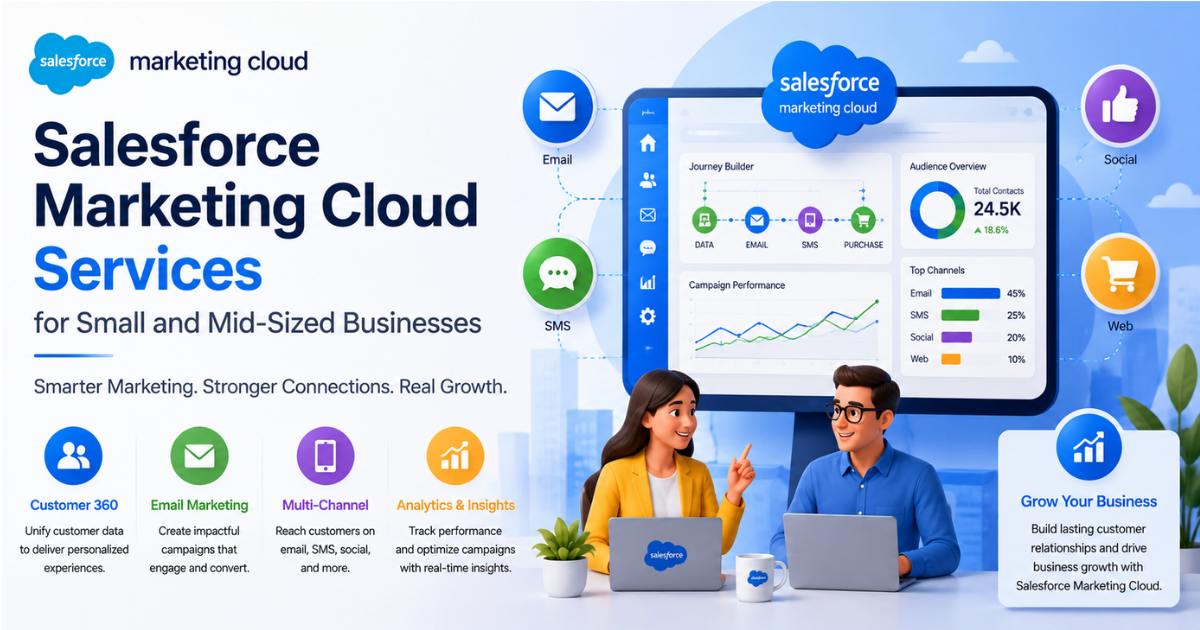
Small and mid-sized businesses no longer treat marketing automation as optional. Small and medium enterprises now form the fastest-growing segment of the automation market, expanding at a 15.2% compound annual growth rate. Small businesses adopting automation report revenue gains up to 25% higher than non-adopters.
This shift explains why more small and mid-sized businesses look at Salesforce Marketing Cloud. Many owners still assume this platform fits only large enterprises with big budgets and dedicated IT teams. That assumption no longer holds true.
This looks at how Salesforce Marketing Cloud Services work for smaller businesses. It covers core features, technical setup, common use cases, and realistic cost planning. It also explains where smaller teams should focus first to get real value fast.
Why Small and Mid-Sized Businesses Need Marketing Automation
Manual marketing does not scale well. A small team sending individual emails, tracking leads in spreadsheets, and posting on social media by hand loses hours every week. Those hours cost real money and limit growth.
Recent data shows why automation matters so much right now:
-
Small businesses spend between $2,500 and $12,000 annually on automation tools
-
Automation adoption among small firms grew faster than large enterprise adoption in 2025
-
Businesses using automation report a 10% or higher revenue boost within six to nine months
-
Automated lead nurturing generates up to 80% more leads than manual outreach
These numbers show automation is not a luxury anymore. It is becoming a basic requirement to stay competitive, even for a ten-person marketing team.
What Salesforce Marketing Cloud Services Include
Salesforce Marketing Cloud Services cover a set of connected tools built for cross-channel marketing. Small and mid-sized businesses do not need every module on day one. Understanding what each piece does helps teams plan a realistic rollout.
1. Email Studio
Email Studio handles email campaign creation, list management, and send automation. It supports:
-
Drag-and-drop email template building
-
List segmentation based on customer behavior
-
A/B testing for subject lines and content
-
Automated send-time optimization
For a small business, this replaces basic email tools like Mailchimp with far deeper CRM integration.
2. Journey Builder
Journey Builder creates automated, multi-step customer journeys. A journey might start with a welcome email, follow with a product recommendation three days later, then trigger a discount offer if the customer does not convert.
Small teams use Journey Builder to run onboarding sequences, abandoned cart flows, and renewal reminders without manual follow-up.
3. Mobile Studio
Mobile Studio adds SMS and push notification capability. Many small retailers and service businesses use this for appointment reminders, shipping updates, or flash sale alerts.
4. Social Studio and Advertising Studio
These tools connect social media management and paid ad targeting to the same customer data used in email and SMS. A mid-sized business can build one audience segment and reach it across email, social ads, and search, all from one data source.
5. Datorama (Marketing Cloud Intelligence)
This reporting layer pulls performance data from every channel into unified dashboards. Smaller teams often skip this initially, then add it once they run campaigns across three or more channels.
Technical Setup for Smaller Organizations
Implementation looks different for a 20-person company than for a global enterprise. Salesforce Marketing Cloud Services scale down well when consultants plan the setup correctly.
1. Data Integration Basics
Most small businesses start with two or three data sources: a CRM, an e-commerce platform, and an email list. Marketing Cloud connects through:
-
Native Salesforce CRM integration for businesses already using Sales Cloud
-
Marketing Cloud Connect for syncing contact and lead records
-
API-based integration for platforms like Shopify or WooCommerce
-
CSV import for businesses without live system connections yet
A smaller business does not need a complex data lake. A clean, well-mapped data model between two or three systems delivers most of the value.
2. Contact Data Model Setup
Marketing Cloud uses a subscriber-based data model. Small teams should set this up carefully from the start:
-
Define one primary contact record structure
-
Set clear rules for subscriber status and opt-in tracking
-
Build data extensions only for segments actually used in campaigns
-
Avoid duplicate contact records across import sources
Getting this structure right early saves significant rework later, especially once campaign volume grows.
3. Automation Studio Basics
Automation Studio runs scheduled and triggered workflows behind the scenes. Small teams typically start with:
-
Daily or weekly list imports
-
Automated email sends tied to CRM triggers
-
Simple data cleansing automations to remove invalid emails
Complex automation chains can wait. Early wins come from a few reliable, well-tested workflows.
Common Use Cases for Small and Mid-Sized Businesses
Salesforce Marketing Cloud Services support a wide range of business types. A few patterns repeat across smaller organizations.
1. Retail and E-Commerce
Retail businesses use Marketing Cloud for:
-
Abandoned cart recovery emails
-
Post-purchase review requests
-
Personalized product recommendations
-
Loyalty program communication
Retail brands using automation report a 77% improvement in conversion rates compared to manual campaigns.
2. Professional Services
Law firms, accounting practices, and consultancies use Journey Builder for:
-
Lead nurturing sequences for new inquiries
-
Client onboarding communication
-
Renewal and follow-up reminders
-
Educational content drip campaigns
3. B2B and SaaS Companies
Small B2B companies use Marketing Cloud alongside Sales Cloud for:
-
Trial user onboarding sequences
-
Demo request follow-up automation
-
Usage-based upsell triggers
-
Customer renewal campaigns
Mid-market B2B adoption of automation platforms reached 78% in 2026, showing this segment now treats automation as standard practice, not an experiment.
Cost Planning for Smaller Businesses
Budget concerns stop many small businesses from evaluating Salesforce Marketing Cloud. Understanding the real cost structure helps set accurate expectations.
1. Licensing Tiers
Marketing Cloud offers tiered editions based on contact volume and feature access. Smaller businesses typically start with lower tiers that include:
-
Core email and journey automation features
-
Basic segmentation and reporting
-
Standard API call limits
-
Limited advanced AI features
Businesses can upgrade tiers as contact volume and feature needs grow, rather than paying for enterprise-level capacity from day one.
2. Implementation Costs
Beyond licensing, businesses should budget for:
-
Initial setup and data migration
-
Template and journey build-out
-
Staff training on the platform
-
Ongoing consulting support for optimization
A phased rollout keeps upfront costs lower. Many small businesses launch with email and one automated journey, then expand to SMS and advertising integration later.
3. Return on Investment Timeline
Most businesses see measurable results within two to three months of launching core automation. Full ROI, including reduced manual labor and increased conversion rates, typically shows within six to nine months, matching broader industry data on automation returns.
AI Features Worth Using Early
Salesforce Marketing Cloud includes Einstein AI features that smaller businesses often overlook. AI adoption among small businesses grew quickly, with over half now using AI marketing tools in some form.
Useful AI features for smaller teams include:
-
Send-time optimization based on individual customer behavior
-
Predictive scoring to identify likely buyers
-
Content recommendations based on past engagement
-
Automated subject line suggestions
These features require less manual setup than most teams expect. A small business does not need a data science team to benefit from built-in AI scoring.
Common Mistakes Smaller Businesses Make
Many small businesses struggle with Marketing Cloud not because the platform fails them, but because setup and strategy go wrong early.
1. Technical Mistakes to Avoid
-
Importing messy contact data without cleaning it first
-
Building too many complex journeys before mastering basic ones
-
Skipping proper opt-in and compliance tracking
-
Ignoring data extension limits and best practices
-
Failing to test automation workflows before full launch
2. Strategic Mistakes to Avoid
-
Trying to use every module at once instead of a phased rollout
-
Setting vague goals instead of measurable campaign targets
-
Underinvesting in staff training on the platform
-
Not assigning clear ownership of ongoing campaign management
A phased, well-planned rollout consistently outperforms a rushed, all-at-once implementation.
Conclusion
Salesforce Marketing Cloud no longer belongs only to large enterprises. Small and mid-sized businesses now represent the fastest-growing segment of the automation market, and the tools scale down effectively when set up correctly.
Salesforce Marketing Cloud Services give smaller teams access to the same journey automation, AI scoring, and cross-channel tools that larger competitors use. Success depends less on company size and more on disciplined setup, clean data, and a phased rollout plan. Businesses that start small, prove value quickly, and expand deliberately get the strongest return from this platform.
- Technology for Students
- Admissions & Applications
- Online Courses
- Career and Jobs
- Campus Life
- Drinks
- Film
- Fitness
- Food
- Jeux
- Gardening
- Health
- Domicile
- Literature
- Music
- Networking For Students
- Insights
- Party
- Religion
- Shopping
- Sports
- Theater
- Wellness
- Education News
- Business & Finance For Students
- Security, Law & Crime Education
- Insurance
- Science & Technology For Students
 French
 English
 Arabic
 Spanish
 Portuguese
 Deutsch
 Turkish
 Dutch
Dutch
 Italiano
 Russian
 Romaian
 Portuguese (Brazil)
 Greek
Greek