


best json to yaml converter - top ways to convert json to yaml
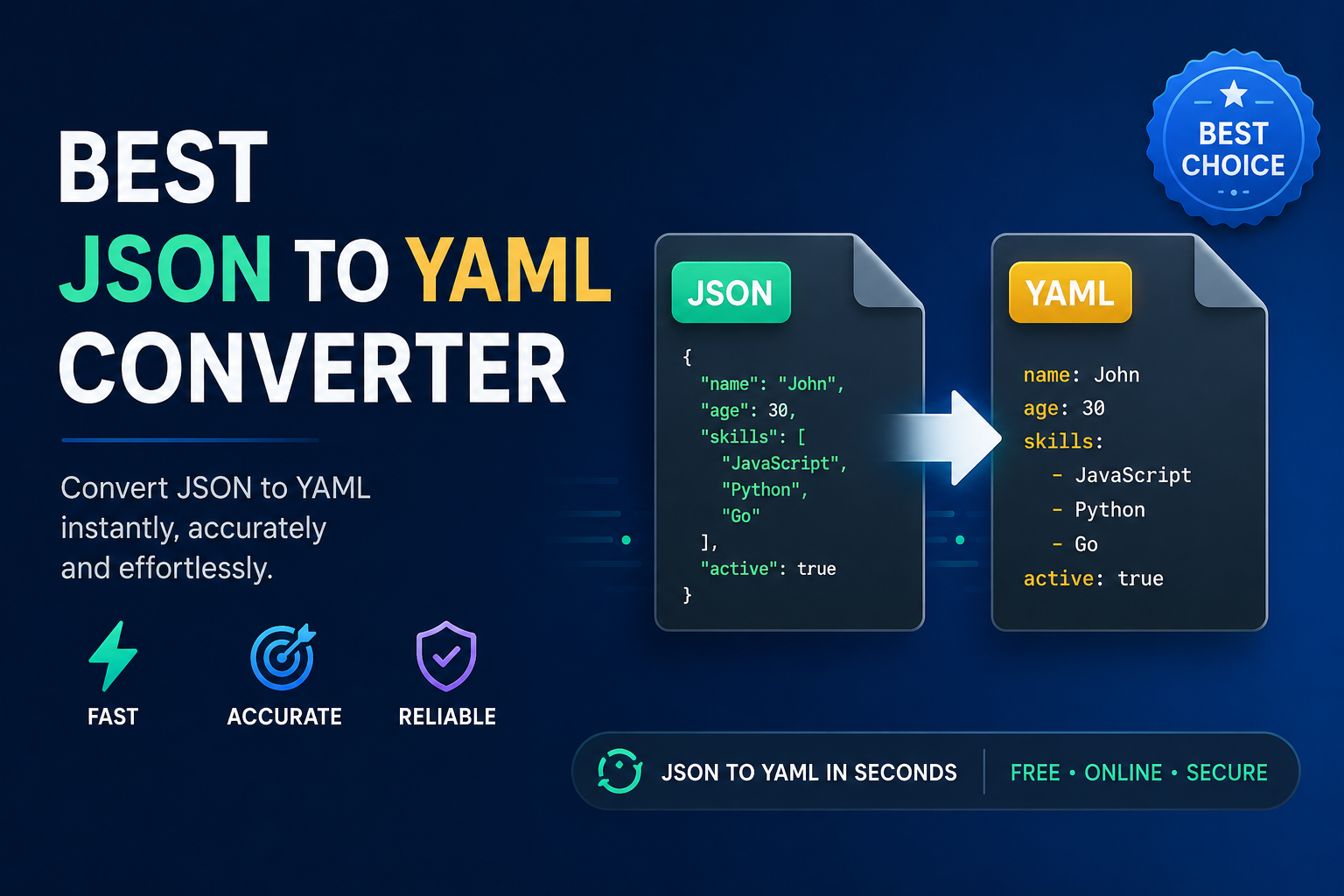
Best JSON to YAML converter solutions help developers, database administrators, DevOps teams, and business users convert JSON to YAML / YML files quickly without changing the original data. Whether you're working with Kubernetes configuration files, Docker Compose, Ansible playbooks, or application settings, choosing the right converter saves time and reduces formatting mistakes. While free online tools work well for simple files, desktop applications provide better support for large JSON files, nested objects, and bulk conversion.
Here's the thing. JSON and YAML may represent the same information, but they are designed for different purposes. Understanding when and how to convert between them helps you select the right solution.
What Is JSON and YAML?
JSON (JavaScript Object Notation) is a lightweight format used for exchanging structured data between applications. It is widely supported by web APIs, databases, programming languages, and cloud services.
YAML (YAML Ain't Markup Language) is a human-friendly data serialization format that focuses on readability. It uses indentation instead of brackets, making configuration files easier to edit.
According to the official JSON website, JSON has become one of the most widely adopted data interchange formats because of its simplicity and language independence.
Why Need to Convert JSON File to YAML Format?
Many modern platforms accept YAML instead of JSON for configuration.
Common examples include:
- Kubernetes manifests
- Docker Compose files
- GitHub Actions workflows
- Ansible automation
- CI/CD pipelines
- Cloud deployment templates
Although JSON is machine-friendly, YAML is much easier for people to read and edit. That is why many administrators first receive JSON data from an API and later convert it into YAML before deployment.
For example, a DevOps engineer may export API data in JSON format and convert it into YAML before adding it to a Kubernetes deployment file. This reduces visual clutter and makes configuration reviews much easier.
Now that the purpose is clear, let's look at the available conversion methods.
Best JSON to YAML Converter Methods
Several tools can perform this conversion. The right choice depends on file size, security requirements, and whether you need one-time or repeated conversions.
1. Online JSON to YAML Converters
Online converters are suitable for quick conversions when your file contains non-sensitive information.
Advantages
- Free to use
- No installation required
- Fast for small files
- Works in any browser
Limitations
- File size restrictions
- Internet connection required
- Privacy concerns for confidential data
- May not preserve formatting for complex nested structures
Let's look at another option many developers already use.
2. Visual Studio Code Extensions
Visual Studio Code offers several extensions capable of converting JSON files into YAML.
Benefits include:
- Integrated development environment
- Syntax highlighting
- Easy formatting
- Validation support
This option works well if you already manage your projects inside VS Code.
However, users who are not familiar with development tools may find dedicated conversion software easier to use.
3. Python Scripts
Python offers multiple libraries such as PyYAML for converting JSON into YAML.
Example workflow
- Load the JSON file
- Parse the data
- Export it using the YAML library
This approach gives developers complete control over the output format.
The drawback is that Python requires installation, package management, and scripting knowledge. It may not be the best option for non-technical users or teams handling frequent bulk conversions.
If you prefer command-line utilities, there is another solution worth considering.
4. Offline JSON to YAML Converter (Recommended)
SysTools JSON Converter Tool is a professional desktop application designed for users who regularly work with JSON files. Besides helping users convert structured JSON data into multiple readable formats, it is particularly useful when handling large, deeply nested, or complex JSON datasets that may be difficult to process with browser-based tools or manual scripts.
Some of its notable capabilities include:
- Convert JSON into multiple output formats
- Support for large JSON files
- Preserves original data integrity
- User-friendly interface
- Batch processing support
- Preview data before exporting
- No dependency on an internet connection
Unlike many online converters, the software processes files locally, making it a suitable choice for organizations working with confidential information or large business datasets.
Stepwise Guide to Make JSON to YAML /YML Conversion
- Download and run advanced utility on your machine.
- Pick any option: Add Files or Folder to upload .json file.
- Choose YAML as an output file format.
- Set the location path and click on Change icon.
- Tap on Export button to finish conversion task.
- Lastly, click on View Report to open .yaml/.yml file.
Time to Wrap Up!
Converting large, complex, and nested JSON file to YAML doesn't have to be complicated when you choose the right approach. Online tools are suitable for quick, one-off conversions, while offline / desktop-based solutions offer better performance, security, and support for larger or more complex files. Before selecting the best JSON to YAML Converter, consider factors such as file size, ease of use, output accuracy, and privacy requirements to find the option that best fits your workflow.
- Technology for Students
- Admissions & Applications
- Online Courses
- Career and Jobs
- Campus Life
- Drinks
- Film
- Fitness
- Food
- Παιχνίδια
- Gardening
- Health
- Κεντρική Σελίδα
- Literature
- Music
- Networking For Students
- Insights
- Party
- Religion
- Shopping
- Sports
- Theater
- Wellness
- Education News
- Business & Finance For Students
- Security, Law & Crime Education
- Insurance
- Science & Technology For Students
 Greek
Greek
 English
 Arabic
 French
 Spanish
 Portuguese
 Deutsch
 Turkish
 Dutch
Dutch
 Italiano
 Russian
 Romaian
 Portuguese (Brazil)