


From Image to Stitch: Understanding the JPG to DST File Conversion Process
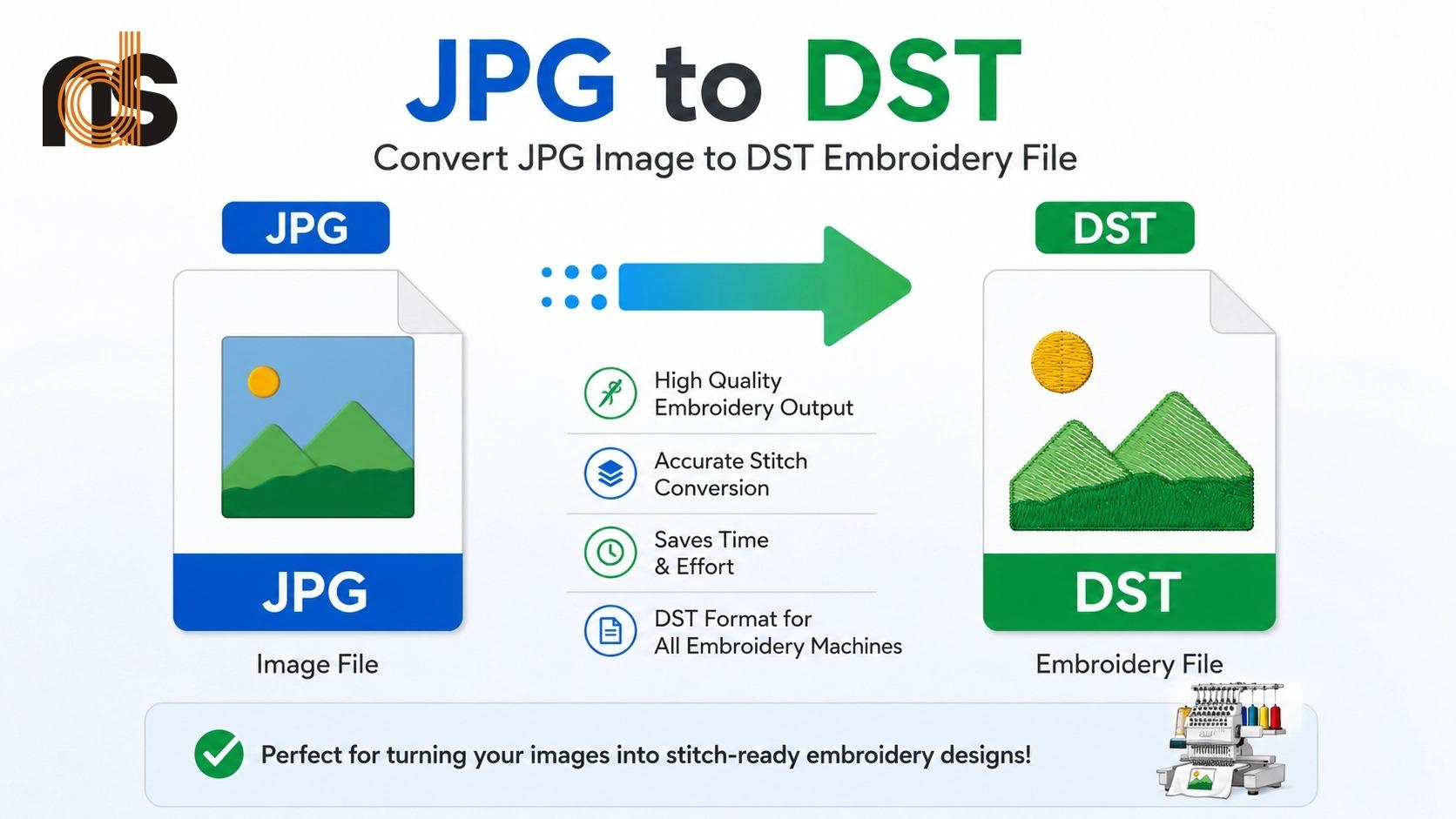
You created a sharp logo or detailed illustration saved as a JPG, but your Tajima embroidery machine needs a DST file to bring it to life on fabric. This mismatch often leads to frustration when designs come out distorted or low quality. JPG to DST file conversion is the crucial step that turns your pixel-based image into precise stitch instructions the machine can follow perfectly.
JPG to DST file conversion bridges the gap between digital artwork and professional embroidery. It rebuilds your image using actual stitches instead of pixels, delivering clean edges, balanced coverage, and durable results that look great wash after wash. Understanding this process helps you avoid common pitfalls and achieve consistent, high-quality embroidered products.
Why JPG to DST File Conversion Is Essential
Embroidery machines cannot read regular image files like JPGs. These files consist of fixed pixels that lose quality when scaled and offer no guidance on how to actually stitch the design. Without proper conversion, machines guess at stitch placement, often resulting in jagged lines, thin spots, puckering, or designs that fall apart quickly.
DST files solve these problems by containing exact coordinates, stitch types, density settings, and sequencing commands. This technical data ensures your machine executes the design accurately every time. For custom apparel makers, promotional product creators, and hobbyists, mastering this conversion means better-looking results and fewer production headaches.
Understanding JPG and DST Formats
JPG is a raster format great for photos and web use but limited for production. It compresses data in a way that works for screens yet fails when translated to physical thread. DST, developed for Tajima machines and compatible with many others, is a stitch-based format that stores complete sewing instructions.
The conversion process does not simply rename the file. It intelligently redraws your artwork using different stitch types for various elements. This transformation considers fabric behavior, thread thickness, and final size to create reliable, production-ready files.
Step-by-Step Process of JPG to DST File Conversion
Start with the highest quality JPG possible. Choose a clear image with strong contrast and clean lines. Remove backgrounds and simplify complex areas to make the conversion smoother and more accurate.
Import the image into digitizing software. Clean up any remaining noise and separate colors where needed. Begin by creating an underlay layer — this foundation anchors the design to the fabric and prevents common issues like distortion or sinking.
Next, trace the main design elements. Use satin stitches for smooth outlines and text, fill or tatami stitches for solid areas, and running stitches for fine details. Follow the natural flow of the artwork for better thread behavior and fewer breaks.
Adjust stitch density carefully. Too loose creates gaps, while too tight makes the embroidery stiff. Apply pull compensation to account for fabric stretch, keeping shapes true to your original design. Finally, optimize the stitch sequence to minimize jumps and color changes before exporting as a DST file.
Key Techniques for Professional Results
Variable density stitching adds beautiful depth by using lighter coverage in some areas and heavier in others. This approach prevents bulky results while maintaining strong visual impact. Proper path planning creates smooth transitions and reduces thread breaks during production.
For text-heavy designs, maintain minimum height guidelines and use column satin stitches for better readability. Dark or textured fabrics require extra underlay planning so top colors stand out clearly instead of blending into the background.
Needle Digitizing provides extra value for complex logos or artistic illustrations. This hands-on method allows experts to refine curves, corners, and flow in ways that automated tools often miss.
Common Challenges and How to Overcome Them
Low-resolution source images cause rough edges and lost details. Always start with the best quality JPG available. Complex photographs with soft gradients need thoughtful simplification since embroidery works with solid thread colors.
Small text frequently causes problems by filling in or becoming illegible. Slightly enlarge lettering during conversion and choose appropriate stitch types. Stretchy materials demand stronger compensation techniques to prevent distortion.
Testing on actual fabric remains the best way to catch issues early. Run samples on your intended material and make adjustments before full production runs.
Benefits of Proper JPG to DST File Conversion
You achieve consistent, high-quality embroidery across entire orders. Machines run more efficiently with fewer stops, saving time and reducing thread waste. The finished products look professional, feel comfortable, and hold up well after repeated washing.
Durability improves significantly, leading to happier customers and stronger brand perception. You also gain flexibility to easily adjust thread colors or create size variations without starting from scratch. Overall, quality conversion reduces production costs and elevates the value of your embroidered items.
Tips for Smoother Conversion Workflows
Prepare your artwork thoughtfully before starting. Increase contrast, remove unnecessary elements, and limit colors where possible. Provide clear specifications about fabric type, final design dimensions, and primary use.
Organize your DST files with descriptive names that include design details, size, and fabric information. Build a reusable library of converted designs to speed up future projects and maintain consistency.
Always test thoroughly. A small sample stitch-out reveals real-world performance that digital previews cannot show. Document successful settings for different materials to streamline future conversions.
Scaling Your Embroidery Projects Successfully
Once comfortable with the process, you can confidently tackle more complex designs and larger orders. Reusing well-converted files saves significant time as your business or creative projects grow. The skills you develop transfer well to other stitch formats and machine types. This versatility gives you greater independence and opens new opportunities in custom embroidery. From Image to Stitch: Understanding the JPG to DST file conversion process empowers you to create better embroidered products with confidence. The technical details might seem overwhelming at first, but breaking them down into clear steps makes the entire workflow manageable and rewarding.
Take time to review your current design files and identify which ones would benefit most from proper conversion. Start with simpler logos to build your skills, then gradually move to more detailed artwork. The investment in learning this process pays off through sharper results, smoother production, and greater creative satisfaction. Whether you embroider for personal projects, run a small business, or produce custom merchandise, mastering JPG to DST file conversion forms the foundation of professional success. Your designs deserve to look their best in thread, and the right conversion approach makes that possible every single time.
Start applying these concepts to your next project and enjoy the difference quality conversion makes. Clean edges, balanced coverage, and durable stitching will quickly become your new standard. With practice and attention to detail, you will transform ordinary images into beautiful, long-lasting embroidered creations that impress everyone who sees them. The journey from image to stitch becomes much smoother once you understand the conversion process. Embrace these practices, stay curious about improving your technique, and watch your embroidery projects reach new levels of quality and creativity.
- Technology for Students
- Admissions & Applications
- Online Courses
- Career and Jobs
- Campus Life
- Drinks
- Film
- Fitness
- Food
- Jogos
- Gardening
- Health
- Início
- Literature
- Music
- Networking For Students
- Insights
- Party
- Religion
- Shopping
- Sports
- Theater
- Wellness
- Education News
- Business & Finance For Students
- Security, Law & Crime Education
- Insurance
- Science & Technology For Students
 Portuguese (Brazil)
 English
 Arabic
 French
 Spanish
 Portuguese
 Deutsch
 Turkish
 Dutch
Dutch
 Italiano
 Russian
 Romaian
 Greek
Greek