


Extract Email Addresses from Contacts
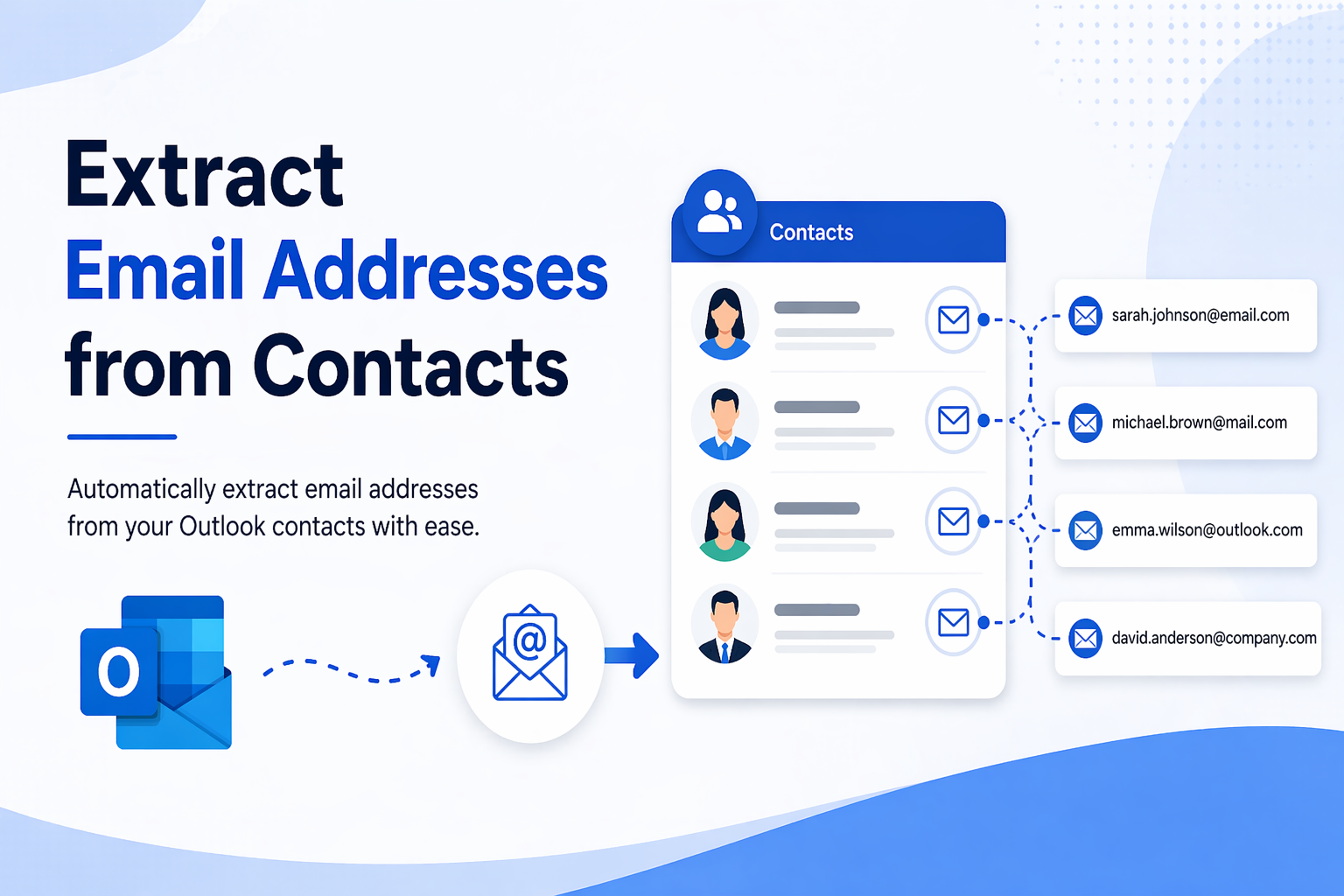
Overview: In this blog post, we are going to extract email addresses from contacts itself. It can be done with the help of our solutions like manual & professional ones.
This is something which a lot of users ask to manage data, build email lists, or move contacts across platforms. In this, you save a lot of time by extracting only the email IDs in a clean form which is saved in your contacts.
Also Read: Extract Email Addresses from OST
Reasons to Export Email IDs from Contacts
There are reasons why users want to extract email addresses from contacts.
-
You can keep the contacts in one place which you want to extract
-
It allows users to transfer contacts between platforms
-
Store email IDs in a different list for future use
-
Select only those useful emails from the large contact files
-
You can make al list of emails which you want and avoid unimportant ones
Manual Methods to Extract Email Addresses from Contacts
There are three methods by which you can export your email IDs. Let’s know them in below part:
#1. Exporting Your Contacts as CSV
-
Open Outlook
-
Follow the File > Open & Export > Import/Export
-
Choose Export to a file
-
Select CSV (Comma Separated Values)
-
Pick the Contacts folder
-
Save the file
Limitations:
-
If you have a lot of contacts it takes longer
-
Finding emails manually in Excel
-
No accurate filter options
#2. Copy Paste from Contacts Lists
-
Firstly, open your contact
-
Choose the one which you need
-
Export or copy them
-
Paste into Excel or Notepad
-
Now, clean the data
Limitations:
-
Not for large email data
-
Data is not in proper structure
-
Some contacts can be skipped
Problems of Using Manual Solutions
There are some issues which you will face while going through the manual part.
-
If you have large set of data
-
No direct method
-
Chances of missing emails
-
Time consuming task
-
No advance way
Professional Way to Extract Email Addresses from Contacts
While extracting manually can take much time of yours. But, it can be a complex process when you have a lot of emails to extract. This is why using a tool like SysTools Email Address Extractor will be very effective. They will scan your emails first and extract email addresses from your contacts. So, there is no manual effort required.
Why It’s Better to Use?
-
No need to filter your files manually
-
Processing big contact lists
-
Auto detect duplicate or invalid emails
-
You can make a clean list of your email IDs
Final Thoughts
You can use manual methods for small emails. But, if you are dealing with large email Addresses, then you can go with our professional method to extract in batch mode. Ensure that you use the right method according to your work requirement. It helps in making your process smooth and enjoy your email experience.
- Technology for Students
- Admissions & Applications
- Online Courses
- Career and Jobs
- Campus Life
- Drinks
- Film
- Fitness
- Food
- Παιχνίδια
- Gardening
- Health
- Κεντρική Σελίδα
- Literature
- Music
- Networking For Students
- Insights
- Party
- Religion
- Shopping
- Sports
- Theater
- Wellness
- Education News
- Business & Finance For Students
- Security, Law & Crime Education
- Insurance
- Science & Technology For Students
 Greek
Greek
 English
 Arabic
 French
 Spanish
 Portuguese
 Deutsch
 Turkish
 Dutch
Dutch
 Italiano
 Russian
 Romaian
 Portuguese (Brazil)