


What Is Accessibility Testing? Complete Guide for Beginners | Sdettech
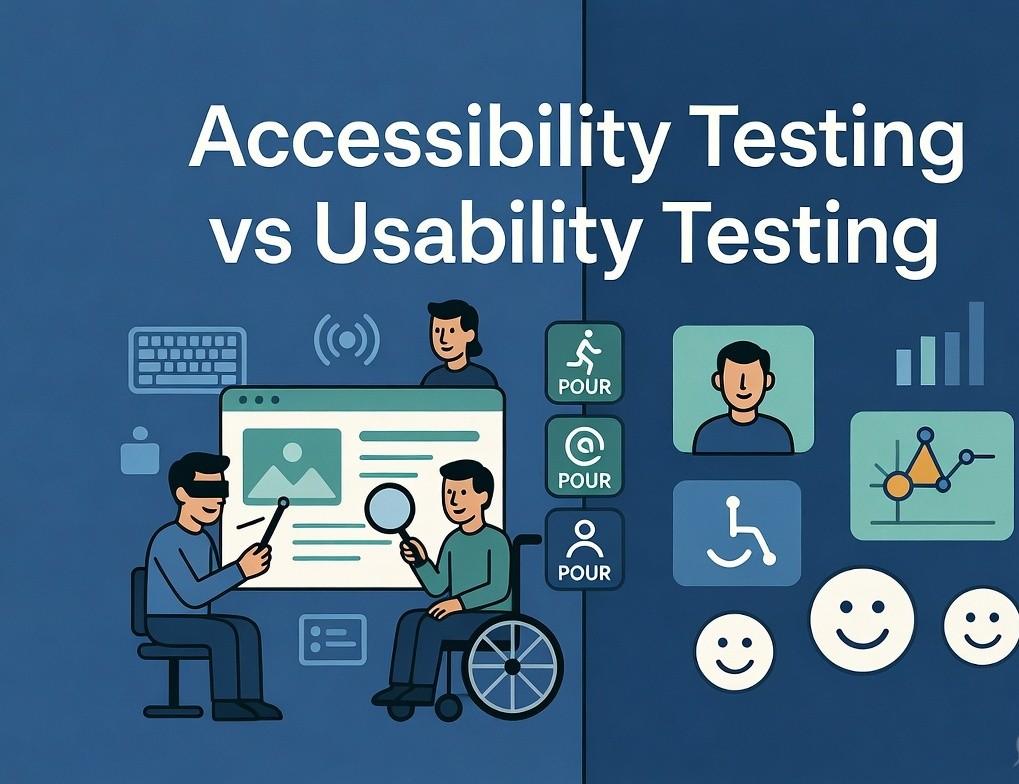
Accessibility Testing is a specialized type of software testing that ensures digital products—such as websites, mobile applications, and web applications—are usable by people with a wide range of disabilities. These disabilities may include visual impairments (like blindness or low vision), hearing impairments, motor disabilities, and cognitive challenges.
The primary objective of accessibility testing is to identify barriers that prevent users from accessing or interacting with digital content effectively. For example, a visually impaired user may rely on a screen reader to navigate a website. If images do not have proper alternative text (alt text), that user will miss important information.
Accessibility testing goes beyond just checking functionality—it focuses on inclusive design. It ensures that every user, regardless of ability, can:
- Access content without difficulty
- Navigate interfaces easily
- Understand information clearly
- Interact with features without limitations
This type of testing is guided by internationally recognized standards such as WCAG (Web Content Accessibility Guidelines), which define how to make digital content more accessible.
In simple terms, accessibility testing ensures that “no user is left behind” in the digital experience.
🔹 Expand: “Why Accessibility Testing Is Important”
1. Inclusivity
Accessibility testing ensures that your website or application can be used by everyone, including over a billion people globally who live with some form of disability. It promotes digital equality and ensures that no user is excluded due to design limitations.
2. Legal Compliance
Many countries have strict accessibility regulations such as ADA (Americans with Disabilities Act) and other regional laws. Non-compliance can result in lawsuits, penalties, and reputational damage. Businesses must ensure that their digital platforms meet accessibility standards to avoid legal risks.
3. Improved User Experience
Accessibility improvements often enhance the overall user experience. Features like clear navigation, readable fonts, and proper structure benefit all users—not just those with disabilities.
4. SEO Advantages
Search engines like Google favor accessible websites because they are easier to crawl and understand. Proper use of headings, alt text, and semantic HTML improves indexing and can boost rankings.
5. Wider Audience Reach
Accessible platforms can reach a larger audience, including elderly users and those with temporary disabilities (like a broken arm or poor internet conditions).
🔹 Expand: “Types of Accessibility Testing”
1. Manual Accessibility Testing
Manual testing involves human testers who evaluate the application by simulating real user scenarios. This includes navigating through the website using only a keyboard, checking screen reader compatibility, and verifying content readability.
Manual testing is essential because many accessibility issues—such as confusing navigation or unclear instructions—cannot be detected by automated tools.
2. Automated Accessibility Testing
Automated tools scan the application and quickly identify common accessibility issues such as:
- Missing alt text
- Poor color contrast
- Improper heading structure
While automation speeds up the process, it cannot replace manual testing entirely. It should be used as a complementary approach.
3. Assistive Technology Testing
This type of testing involves using tools that people with disabilities rely on, such as:
- Screen readers (NVDA, JAWS)
- Voice recognition software
- Screen magnifiers
Testing with these tools ensures real-world usability.
4. Keyboard Navigation Testing
Many users cannot use a mouse and rely entirely on keyboards. This testing ensures that:
- All elements are reachable using the Tab key
- Focus indicators are visible
- Navigation is logical and smooth
🔹 Expand: “Common Accessibility Issues”
Accessibility issues are often overlooked during development but can significantly impact usability. Some common problems include:
- Missing Alt Text: Images without descriptions make it impossible for screen reader users to understand visual content.
- Poor Color Contrast: Low contrast between text and background makes reading difficult for users with low vision.
- Improper Heading Structure: Skipping heading levels (e.g., jumping from H1 to H4) confuses screen readers.
- Unlabeled Form Fields: Forms without labels create confusion and prevent users from completing actions.
- Keyboard Inaccessibility: If users cannot navigate via keyboard, the website becomes unusable for many.
- Auto-playing Media: Videos or audio that play automatically can disrupt users, especially those using assistive technologies.
Fixing these issues not only improves accessibility but also enhances overall usability.
🔹 Expand: “Accessibility Testing Process”
Step 1: Requirement Analysis
Understand the target audience, accessibility standards (like WCAG), and legal requirements. This step sets the foundation for testing.
Step 2: Test Planning
Define:
- Scope of testing
- Tools to be used
- Test cases and scenarios
A well-planned strategy ensures efficient testing.
Step 3: Test Execution
Perform both manual and automated testing. Use screen readers, keyboard navigation, and tools to identify issues.
Step 4: Issue Reporting
Document issues clearly with:
- Description
- Severity level
- Steps to reproduce
Clear reporting helps developers fix problems quickly.
Step 5: Retesting & Validation
After fixes are implemented, retest the application to ensure all issues are resolved and no new problems are introduced.
🔹 Expand: “Best Practices for Accessibility Testing”
- Shift Left Approach: Integrate accessibility early in the development lifecycle instead of fixing it later.
- Use Semantic HTML: Proper tags improve accessibility and SEO.
- Provide Text Alternatives: Always include alt text for images and captions for videos.
- Ensure Consistent Navigation: Keep layouts predictable and user-friendly.
- Test Regularly: Accessibility is not a one-time task—it requires continuous monitoring.
- Train Teams: Developers, designers, and testers should be aware of accessibility guidelines.
🔹 Expand: “Challenges in Accessibility Testing”
1. Lack of Awareness
Many organizations still treat accessibility as optional, leading to poor implementation.
2. Incomplete Tool Coverage
Automated tools can detect only around 30–40% of accessibility issues. Human testing is still required.
3. Time & Resource Constraints
Teams often prioritize features over accessibility due to tight deadlines.
4. Complex Guidelines
WCAG standards can be difficult to understand and implement without proper training.
- Technology for Students
- Admissions & Applications
- Online Courses
- Career and Jobs
- Campus Life
- Drinks
- Film
- Fitness
- Food
- Jocuri
- Gardening
- Health
- Home
- Literature
- Music
- Networking For Students
- Insights
- Party
- Religion
- Shopping
- Sports
- Theater
- Wellness
- Education News
- Business & Finance For Students
- Security, Law & Crime Education
- Insurance
- Science & Technology For Students
 Romaian
 English
 Arabic
 French
 Spanish
 Portuguese
 Deutsch
 Turkish
 Dutch
Dutch
 Italiano
 Russian
 Portuguese (Brazil)
 Greek
Greek