


Entry Level Gaming PC: How to Choose a Beginner-Friendly Gaming Setup
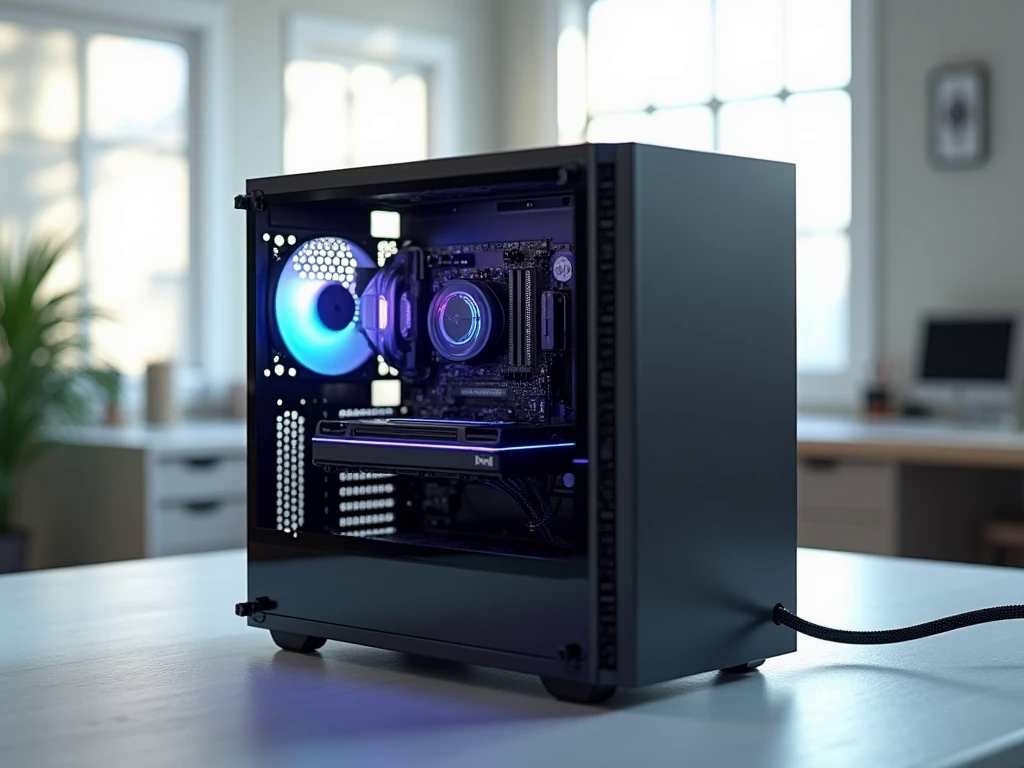
Starting your PC gaming journey does not require an expensive machine filled with premium components. What matters most is choosing a computer that handles your favourite games comfortably, fits your budget, and gives you room to improve your setup when your needs change.
An Entry Level Gaming PC can be an excellent choice for students, casual players, and beginners who want to explore PC gaming without committing to a high-end system. However, attractive designs and impressive product names do not always tell you how well a computer will perform. The processor, graphics card, memory, storage, and cooling must work together to deliver a satisfying experience. You should also think about your monitor, accessories, and the type of games you intend to play. By understanding these essentials before buying, you can compare computers more confidently, avoid common mistakes, and choose a practical system that supports both gaming and everyday activities.
Define What You Expect From Your First Gaming PC
Before comparing specifications, decide what you want your computer to do. Different games place different demands on hardware, so your gaming preferences should guide your purchase.
Competitive multiplayer games often benefit from consistent frame rates and responsive controls. Simulation games and detailed open-world adventures may require more graphics performance, memory, or processing power. If you also plan to record gameplay, stream online, or edit videos, your system may need additional resources.
Think about your preferred display resolution, too. A 1080p monitor is a practical starting point for many budget-conscious gamers. Higher resolutions generally demand more graphics performance, which can increase the overall cost. Establishing your target early helps you avoid buying a computer that is unnecessarily powerful or struggles with your preferred games.
Understand the Components That Influence Gaming
You do not need advanced technical knowledge to compare gaming desktops. Learning the purpose of a few major components will make the buying process much easier.
Graphics card: Choose performance over appearance
The graphics processing unit, or GPU, renders the images, lighting, textures, and visual effects you see in games. It is often one of the most important components for determining gaming performance.
A dedicated graphics card is worth considering if you want to play a wide variety of modern PC games. Integrated graphics can be suitable for lighter titles, but performance depends on the processor, memory configuration, and game requirements.
Compare actual benchmarks for your favourite games instead of judging a GPU by its name alone. Also consider video memory, power requirements, and whether the card supports the features you want to use.
Processor: Keep the system balanced
The central processing unit, or CPU, handles game calculations, background tasks, and general computer operations. Mainstream AMD Ryzen 5 and Intel Core i5 processors can be suitable options for many entry-level systems, depending on their generation and the graphics card they support.
An expensive processor will not necessarily improve your experience if the graphics card is too weak for your target settings. A balanced configuration usually provides better practical value than concentrating most of the budget on a single component.
RAM and storage: Make everyday use smoother
For many new gaming desktops, 16GB of RAM is a sensible starting point. It can support numerous games alongside common applications, although demanding titles and heavier multitasking may benefit from additional memory.
An SSD is equally important. It helps your operating system start quickly and reduces game loading times compared with traditional mechanical hard drives. Consider a 1TB SSD if your budget allows, particularly if you intend to install several large games. A smaller drive may work initially, but storage can fill faster than expected.
Look Beyond the Advertised Specifications
Two computers can advertise similar processors and graphics cards yet differ significantly in their supporting components. This is why reading the complete specification list matters.
Check the power supply's exact model and capacity, the motherboard's supported features, the case's ventilation, and the available memory and storage connections. These details influence reliability, compatibility, and future upgrade options.
Cooling deserves attention as well. A case with a sensible airflow design helps move warm air away from internal components. You do not automatically need expensive liquid cooling for a basic gaming computer; an appropriate air cooler may be enough for the selected processor.
Also ask whether the computer includes an operating system, Wi-Fi, and the accessories you need. A low advertised price can become less attractive when essential extras must be purchased separately.
Create a Gaming Setup That Fits Your Budget
Your budget should cover more than the computer tower. A complete setup may include a monitor, keyboard, mouse, headset, operating system, and suitable desk space.
If you already own a compatible monitor and peripherals, you may be able to allocate more money to the computer itself. If you are starting from nothing, divide your budget between the PC and the equipment needed to use it comfortably.
Avoid spending too much on decorative lighting or premium accessories before securing the core hardware. A reliable computer paired with a suitable monitor can provide a better experience than an attractive setup with underpowered components.
It is also sensible to compare the total cost of new and refurbished systems. A refurbished computer may offer savings, but check its condition, component age, warranty, and upgrade limitations before making a decision.
Should You Buy a Prebuilt or Custom-Built PC?
A prebuilt gaming computer is convenient for beginners because it arrives assembled and may include testing and system support. It can be a practical option if you do not want to learn how to install components yourself.
A custom-built gaming PC provides more control over the component selection. You can prioritise graphics performance, choose a preferred case, and plan upgrades around your budget. However, you must ensure that every part is compatible and that assembly is completed correctly.
Neither approach guarantees better value in every situation. Compare the complete parts list, service arrangements, warranty coverage, and final price. If you choose a prebuilt system, avoid listings that identify the CPU and GPU but leave the motherboard or power supply unspecified.
Plan Your First Upgrade Before You Need It
An entry-level computer can be a starting point rather than a permanent limit. As your game library grows, you may decide to add storage, increase memory, or install a more capable graphics card.
Before buying, check whether the motherboard has spare memory slots and storage connections. Confirm that the power supply and case can support the type of graphics card you might want later. Some upgrades are straightforward, while others may require replacing multiple components.
A practical upgrade plan does not mean buying expensive parts in advance. It means choosing a system that can accommodate realistic improvements without paying for features you do not currently need.
Visit Hextech Computer for top notch quality products.
Frequently Asked Questions
1. Is an entry-level gaming PC good for beginners?
Yes. It can provide an accessible introduction to PC gaming while also supporting everyday tasks such as browsing, online learning, office applications, and video calls. Performance depends on the exact components and software you use.
2. Can an entry-level gaming PC run modern games?
Many entry-level systems can run modern games, but performance varies. Some titles may require lower graphics settings, while lighter competitive games may run at higher frame rates. Always check benchmarks for the games you want to play.
3. Where can I compare entry-level gaming PC options?
You can compare complete configurations from gaming PC retailers, including Hextech Computer. Review the exact component models, total price, warranty terms, and upgrade possibilities before selecting a system.
Conclusion
Choosing your first gaming computer becomes much simpler when you focus on how you will actually use it. Start with your favourite games, set a realistic budget, and prioritise balanced hardware, sufficient memory, SSD storage, reliable power, and suitable cooling. Compare complete specifications rather than relying on product names or appearance, and check upgrade options before purchasing. A carefully selected Entry Level Gaming PC can deliver an enjoyable introduction to gaming while supporting everyday computing and future improvements. The best first system is not necessarily the most expensive one; it is the computer that meets your current needs and offers genuine value for your money.
- Technology for Students
- Admissions & Applications
- Online Courses
- Career and Jobs
- Campus Life
- Drinks
- Film
- Fitness
- Food
- Jocuri
- Gardening
- Health
- Home
- Literature
- Music
- Networking For Students
- Insights
- Party
- Religion
- Shopping
- Sports
- Theater
- Wellness
- Education News
- Business & Finance For Students
- Security, Law & Crime Education
- Insurance
- Science & Technology For Students
 Romaian
 English
 Arabic
 French
 Spanish
 Portuguese
 Deutsch
 Turkish
 Dutch
Dutch
 Italiano
 Russian
 Portuguese (Brazil)
 Greek
Greek