


How to See Unsend Messages on Instagram
Many Instagram users want to know how to see unsend messages on Instagram when someone removes a message before they can read it. Instagram allows users to unsend direct messages, removing them from the conversation for everyone. This can be frustrating when a message contains important information or when you simply want to know what someone sent. Although Instagram does not provide an official feature to restore every unsent message, notification previews may help in certain situations. The available options depend on your phone, notification settings, and whether the message appeared before it was removed.
Social media users also explore different ways to improve their online presence and connect with more people. If you are interested in Instagram growth services, you can explore Buy Instagram Followers in Pakistan to learn about available options. Social media growth and messaging are different aspects of Instagram, so choose services carefully and focus on account safety.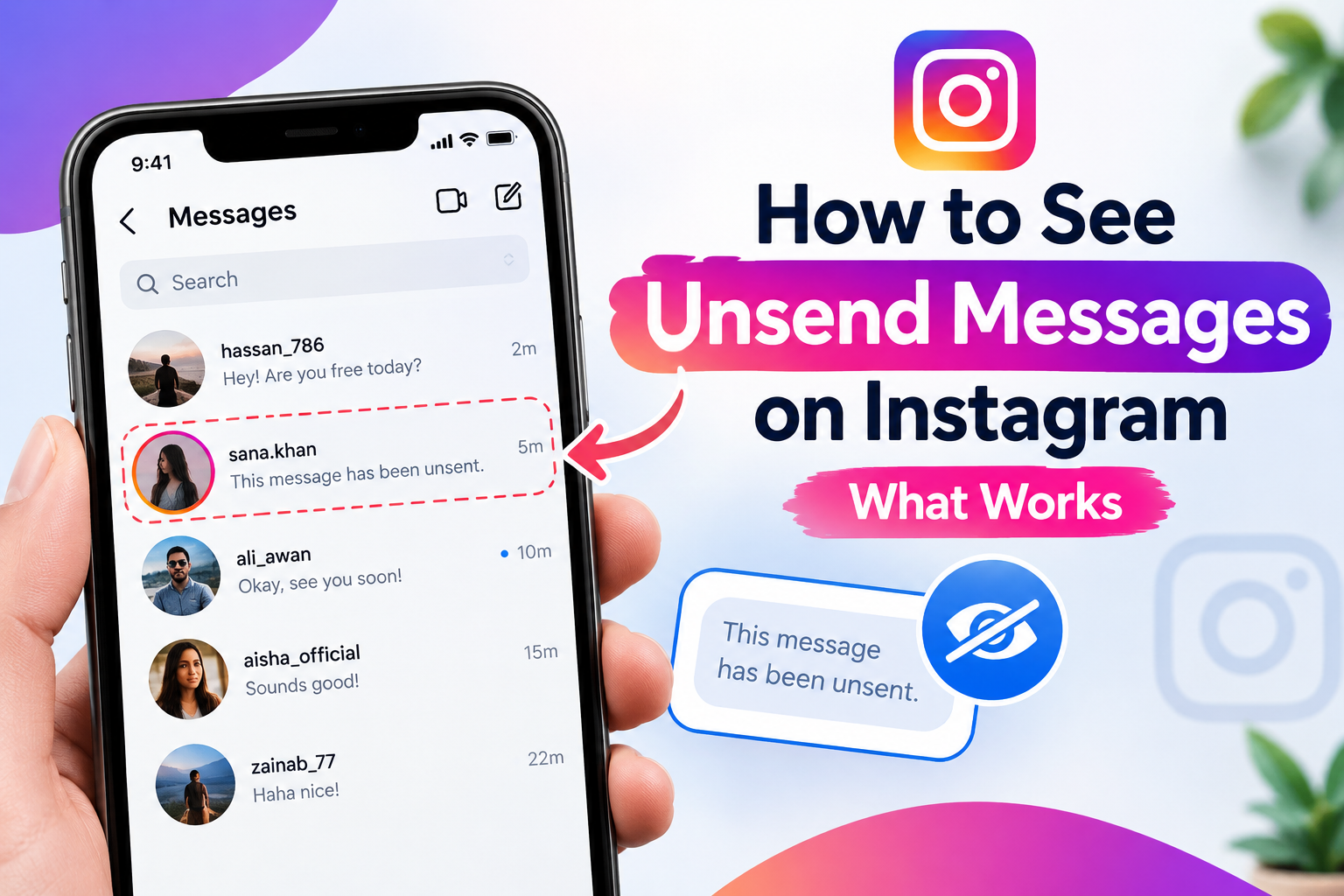
What Happens When Someone Unsend a Message on Instagram?
When someone unsends a direct message, Instagram removes it from the conversation for everyone involved. The original message generally disappears from the chat, and Instagram does not provide a standard option to restore it.
The recipient might already have read the message before it was removed. They might also have seen a notification preview on their phone. However, if the message disappeared before they saw it and no notification was saved, recovering its contents may not be possible.
It is important to understand that unsending a message is different from deleting an entire conversation from your own inbox. Each action has a different effect on what remains visible.
How to Check Unsent Instagram Messages on Android
Android users may have a feature called Notification History. On supported devices, this feature can keep a record of recent notifications, including some Instagram message previews.
Follow these steps:
-
Open Settings on your Android phone.
-
Search for Notification History.
-
Open the feature if it is available.
-
Look for Instagram notifications received around the time the message arrived.
-
Check whether a notification preview contains the message text.
The exact location of this setting depends on your phone manufacturer and Android version. Some devices place it under Settings, followed by Notifications.
Notification History usually needs to be enabled before the message arrives. Turning it on afterward will not recover notifications that were never recorded. Some notifications may also contain only part of a message or no text at all.
Can You See Unsent Instagram Messages on an iPhone?
iPhone users can check whether an Instagram notification is still available on the Lock Screen or in Notification Center. If the message preview appeared before the sender unsent the message, its text might remain visible while the notification is available.
Try these steps:
-
Check your Lock Screen and Notification Center.
-
Look for an Instagram notification received before the message disappeared.
-
Read the preview if it is still available.
-
Review your Instagram notification settings for future messages.
Unlike some Android phones, iPhones do not provide a general, persistent notification history that reliably stores all previous Instagram message previews. If the notification has been dismissed, the original message may no longer be accessible.
Can Instagram Data Download Recover Unsent Messages?
Instagram provides an account information download feature through Accounts Center. You can request a copy of certain information associated with your account, including available message data.
To check your information:
-
Open Instagram and go to your profile.
-
Open the menu and select Accounts Center.
-
Find the information and permissions section.
-
Choose the option to export or download your information.
-
Select the available information and follow the instructions.
However, downloading your information is not a reliable way to recover a message that another person has already unsent. Instagram does not guarantee that an exported file will contain the original text of removed messages.
Are Third-Party Apps Safe for Viewing Unsent Messages?
Some apps and websites claim they can reveal every message someone unsends on Instagram. Be careful because these claims are not always reliable.
An app may record notification previews if you grant it notification access, but it cannot necessarily recover messages that were never recorded. Other services may request your login details or expose your personal information.
Protect your account by following these precautions:
-
Never share your Instagram password with an unknown service.
-
Avoid suspicious apps that promise access to private messages.
-
Do not install files from untrusted websites.
-
Check app permissions before granting notification access.
-
Use Instagram's official security settings to protect your account.
A notification recording tool is not the same as a tool that retrieves removed messages directly from Instagram.
How to Avoid Missing Important Instagram Messages
If you regularly miss messages, reviewing your notification settings can help you see previews before a sender removes a message.
On Android, check whether Instagram notifications are enabled and whether Notification History is available. On an iPhone, review Instagram's notification settings and the Show Previews option.
You can also check your message requests if you are expecting a message from someone you do not follow. Keeping your app updated may help ensure that its notification settings work as expected.
For anyone researching how to see unsend messages on Instagram, the most practical approach is to check notification previews that were saved before the message disappeared. There is no guaranteed recovery method, and you should avoid tools that promise otherwise.
Keep in mind that message previews can expose private information to anyone who can see your phone screen. Choose notification settings that balance convenience and privacy.
For more Instagram tips, social media guides, and online growth resources, visit Viralforpak to explore helpful information and services.
Final Thoughts
Understanding how to see unsend messages on Instagram can help you identify which options are worth trying. Android Notification History may show an earlier message preview if it was already enabled, while iPhone users can check notifications that remain available.
Instagram does not provide a guaranteed way to restore another person's unsent message. Data downloads and third-party apps are not dependable solutions for recovering removed content. The safest approach is to check existing notification previews, protect your account information, and avoid services that promise access to private messages.
- Technology for Students
- Admissions & Applications
- Online Courses
- Career and Jobs
- Campus Life
- Drinks
- Film
- Fitness
- Food
- الألعاب
- Gardening
- Health
- الرئيسية
- Literature
- Music
- Networking For Students
- Insights
- Party
- Religion
- Shopping
- Sports
- Theater
- Wellness
- Education News
- Business & Finance For Students
- Security, Law & Crime Education
- Insurance
- Science & Technology For Students
 Arabic
 English
 French
 Spanish
 Portuguese
 Deutsch
 Turkish
 Dutch
Dutch
 Italiano
 Russian
 Romaian
 Portuguese (Brazil)
 Greek
Greek