


Does Sony TV Service Center diagnose intermittent video signals from external sources?
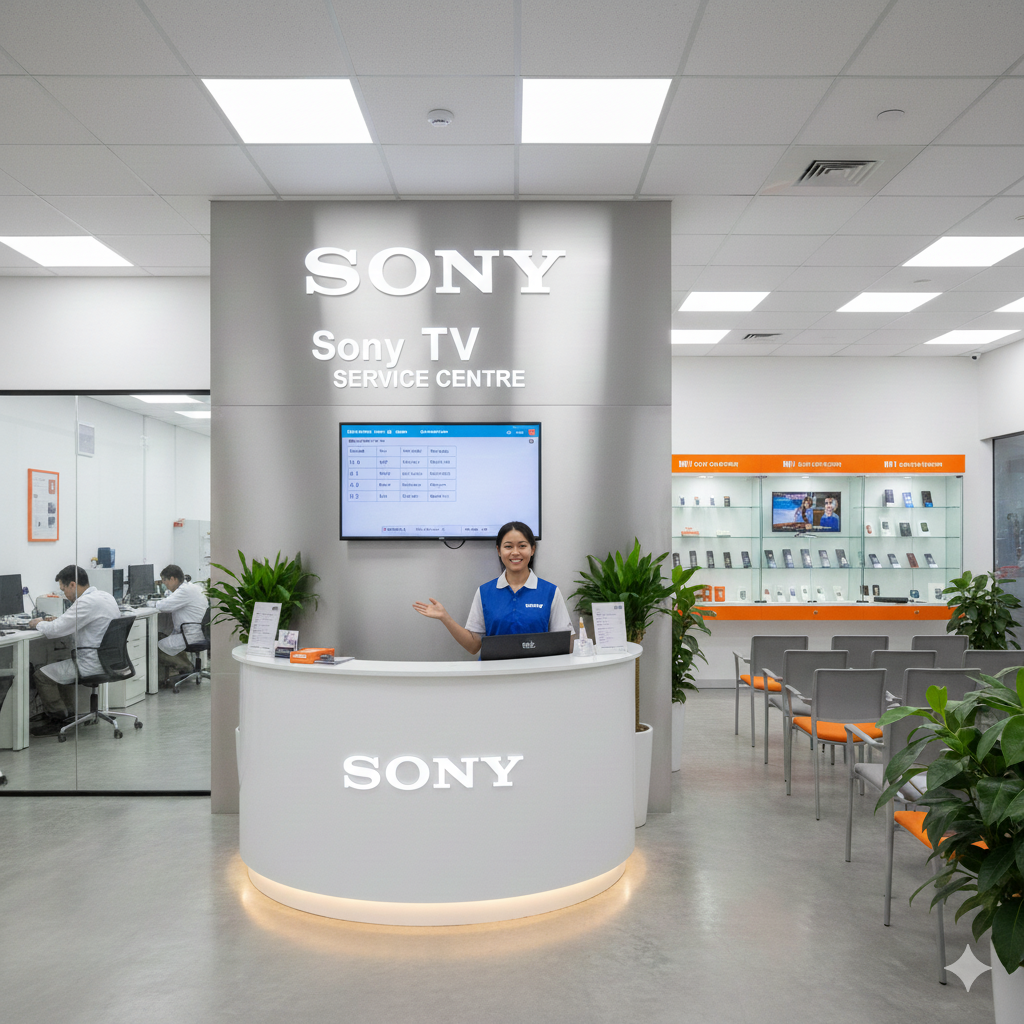
INTRODUCTION
Intermittent video signals from external sources can interrupt television viewing and make connected devices difficult to use. A picture may disappear for a few seconds, flicker unexpectedly, show a no-signal message, or return only after reconnecting a cable. A Sony TV Service Center can help diagnose these problems by checking HDMI connections, external devices, display settings, signal compatibility, and possible television faults. Identifying the actual cause is important because an unstable picture does not always mean the television screen is damaged. The issue may originate from a cable, set-top box, gaming console, streaming player, or connection port. Systematic troubleshooting helps narrow down the cause and identify an appropriate solution.
Understanding Intermittent Video Signal Problems
An intermittent video signal occurs when a television receives an external video signal inconsistently. The connected device may work normally for several minutes before the picture freezes, flickers, turns black, or disappears completely. In some cases, the television displays a message indicating that no signal is available.
These interruptions can occur with devices connected through HDMI or other supported video connections. A cable may be loose, an external device may temporarily stop transmitting, or the selected resolution may not be compatible with the television's current configuration.
The symptoms can also differ depending on the source. A gaming console may lose its picture during demanding gameplay, while a streaming device may disconnect when switching between applications. A set-top box may produce intermittent video even when the television's built-in applications work normally.
Understanding when the problem occurs helps establish whether the television, external equipment, connection, or signal configuration requires further investigation.
Can a Sony TV Service Center Diagnose Intermittent Video Signals?
Yes. A qualified technician can investigate intermittent video signals by inspecting the television's input ports, testing suitable cables, checking the connected device, and reviewing supported display settings.
The diagnostic process usually begins by identifying the affected external source. The technician may ask whether the issue occurs with a gaming console, laptop, streaming player, receiver, or set-top box. Information about the affected HDMI input and the frequency of signal loss can help narrow down possible causes.
Not every interruption requires television repair. Sometimes, correcting an external device's settings or replacing a faulty cable can restore a stable picture.
Common Symptoms of Unstable External Video Signals
Picture Disappears Temporarily
A temporary black screen can occur when the television loses communication with the connected device. The external equipment may remain powered on while the TV stops displaying its output.
Check whether the picture returns automatically or whether changing inputs restores it. If reconnecting the HDMI cable temporarily solves the problem, inspect the cable and ports for loose connections or damage.
Repeated No-Signal Messages
A no-signal message usually indicates that the television is not receiving a usable signal through the selected input. The connected device might be switched off, using another output, or experiencing a transmission problem.
Confirm that the correct input is selected and that the external device is operating normally. If the message appears repeatedly while the device remains active, further testing may be necessary.
Flickering or Visual Distortion
Flickering, brief flashes, or irregular picture interruptions may indicate an unstable connection or incompatible display settings. A cable that cannot reliably handle the selected resolution or refresh rate may also contribute.
Testing a suitable replacement cable and selecting a supported output mode can help determine whether the issue is related to signal compatibility.
Picture Freezes During Playback
A frozen image may originate from the external source rather than the television itself. For example, a streaming player may temporarily stop transmitting video because of a software problem or device malfunction.
Test another source using the same television input, then try the affected device through another compatible display if available. Comparing the results can help identify where the interruption begins.
Checking HDMI Cables and Television Ports
HDMI connections are commonly used for gaming consoles, streaming players, laptops, set-top boxes, and sound systems that transmit video. A reliable connection depends on the cable condition, port condition, and compatibility of the connected equipment.
Begin by checking whether the HDMI connector is fully inserted at both ends. Look for visible damage, bent connectors, or signs that the cable has been pulled or compressed. Avoid forcing connectors into ports or repeatedly moving a cable that appears damaged.
Turn off the television and external equipment before disconnecting or reconnecting cables. If a port feels loose or appears damaged, avoid further manipulation and seek qualified assistance.
Checking External Device Compatibility
A television may display intermittent video if an external device outputs a signal that is not supported reliably by the current connection or display configuration.
Check the device's video output settings and compare them with the television's supported resolutions and refresh rates. If the problem began after changing display settings, try returning to a known-compatible mode.
Gaming consoles and computers may offer advanced options such as high refresh rates, HDR, or variable refresh rate. Support depends on the specific television model, HDMI port, cable, and external device. Selecting a feature that is not supported throughout the connection can cause display problems.
Software can also affect signal transmission. Check for recommended updates for the television and external device, following the manufacturer's instructions. If the problem affects only one device, its firmware, output settings, or hardware may require investigation.
Sony TV Service Center in Currey Road
People searching for a Sony TV Service Center in Currey Road may need assistance when external devices repeatedly lose their video signal. The problem might appear while using a gaming console, streaming player, laptop, or set-top box connected through HDMI.
Before requesting service, note which device is affected and how the picture behaves when the signal disappears. Record whether the screen becomes black, flickers, freezes, or displays a no-signal message. It is also helpful to note how long the device operates before the interruption occurs.
Before arranging an appointment, confirm service availability in Currey Road and verify the provider's credentials and any claimed brand authorisation. Accurate information about the television model and connected equipment can make troubleshooting more efficient.
Sony TV Service Center in Banashankari
Customers searching for a Sony TV Service Center in Banashankari may experience intermittent video when using external entertainment devices, including set-top boxes, streaming players, laptops, and gaming systems.
The first step is to determine whether the issue occurs with one device or several. If only one external source loses its picture, check its cable, output settings, software, and operating condition. If multiple devices experience the same problem through one HDMI port, the television's connection may need closer inspection.
A qualified technician can review these observations and investigate persistent signal interruptions. Confirm that the provider covers Banashankari and has the appropriate qualifications before arranging service.
Could Software or Display Settings Cause Signal Loss?
Yes. Television software and external device settings can influence how video signals are received and displayed. An incorrect resolution, unsupported refresh rate, or software problem may cause intermittent picture loss.
Review the television's picture and input settings, along with the output settings of the connected device. If the issue began after a software update or display adjustment, note what changed and follow the manufacturer's troubleshooting guidance.
When Is Professional Diagnosis Necessary?
Professional diagnosis is appropriate when the picture repeatedly disappears despite testing compatible cables, different inputs, and suitable display settings. It is especially important when several external devices show similar symptoms or a television port appears damaged.
A technician can determine whether the fault is associated with the HDMI connection, software configuration, external equipment, or television hardware. The diagnostic findings help identify the most appropriate next step.
Dial Service Centre can be considered when researching television troubleshooting assistance, but customers should independently confirm local service availability, provider qualifications, and any claimed brand authorisation.
Conclusion
Intermittent video signals from external sources may result from loose cables, unstable HDMI ports, incompatible display settings, software problems, or faults in connected equipment. A Sony TV Service Center can help diagnose these possibilities by checking the connection, testing compatible devices, and reviewing the television's configuration.
Whether searching for a Sony TV Service Center in Currey Road or a Sony TV Service Center in Banashankari, users should describe when the signal disappears and which external device is affected. Basic troubleshooting may resolve simple connection problems, while persistent interruptions may require professional inspection. Confirm the service provider's credentials and local availability before arranging assistance.
Frequently Asked Questions
1. Can a Sony TV Service Center diagnose intermittent video signals?
Yes. A qualified technician can inspect HDMI ports, test suitable cables, review display settings, and assess connected devices to identify possible causes of intermittent video signals.
2. Why does my Sony TV lose its picture when connected to an external device?
Possible causes include a loose HDMI cable, an unstable port, incompatible resolution settings, a software issue, or a fault in the connected device. Testing another cable or input can help narrow down the cause.
3. Can an HDMI cable cause intermittent video signals?
Yes. A damaged or unsuitable HDMI cable can cause flickering, temporary black screens, and repeated signal loss. Testing a compatible replacement cable can help determine whether the cable is responsible.
4. When should I contact a Sony TV Service Center in Currey Road or Banashankari?
Seek professional assistance if signal interruptions continue after basic checks, several compatible devices lose their picture, or an HDMI port appears damaged.
5. Should I replace my television if external video signals keep disappearing?
Not immediately. Test another compatible cable, HDMI input, and external device first. Professional diagnosis can help determine whether the problem is repairable or originates from the connected equipment.
Read Our Previous Blog------>Can Croma TV Service Center fix HDMI devices that disconnect after extended use?
- Technology for Students
- Admissions & Applications
- Online Courses
- Career and Jobs
- Campus Life
- Drinks
- Film
- Fitness
- Food
- Jogos
- Gardening
- Health
- Início
- Literature
- Music
- Networking For Students
- Insights
- Party
- Religion
- Shopping
- Sports
- Theater
- Wellness
- Education News
- Business & Finance For Students
- Security, Law & Crime Education
- Insurance
- Science & Technology For Students
 Portuguese (Brazil)
 English
 Arabic
 French
 Spanish
 Portuguese
 Deutsch
 Turkish
 Dutch
Dutch
 Italiano
 Russian
 Romaian
 Greek
Greek